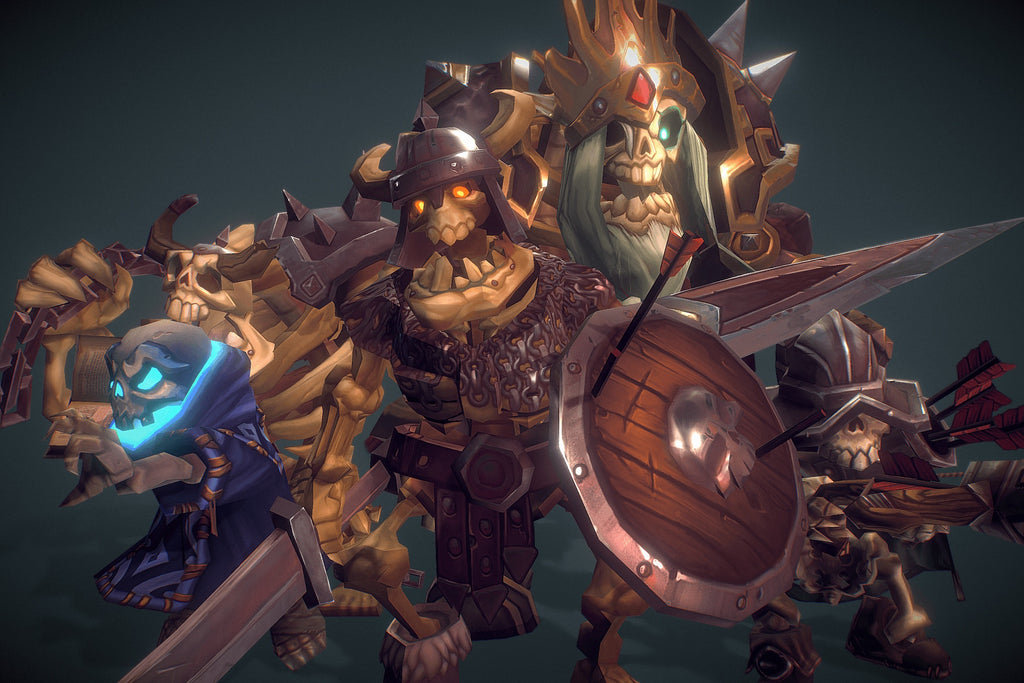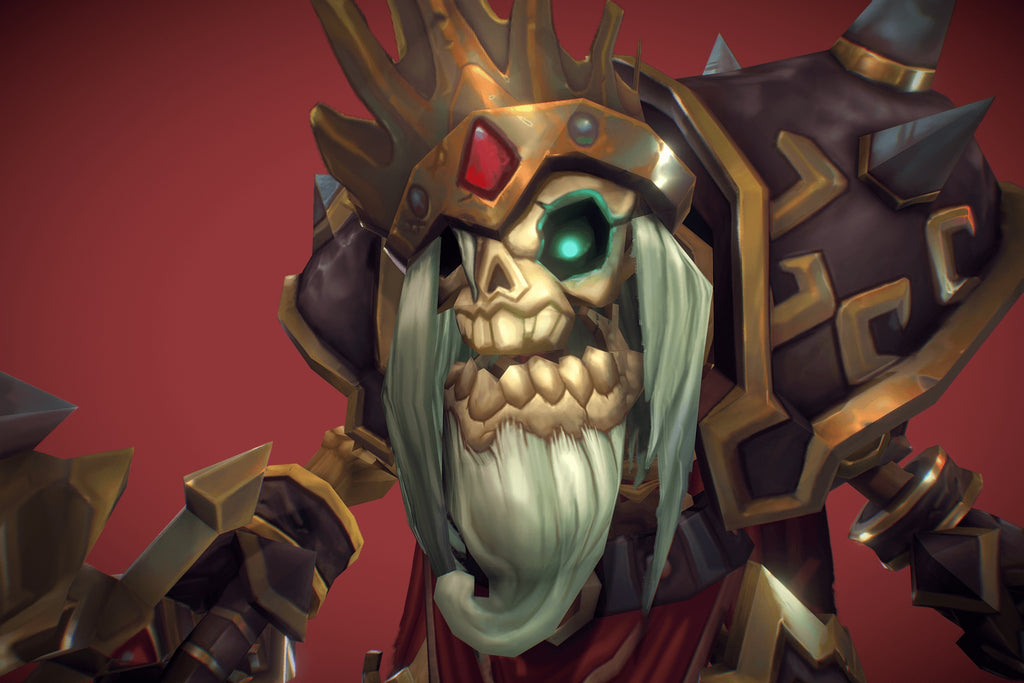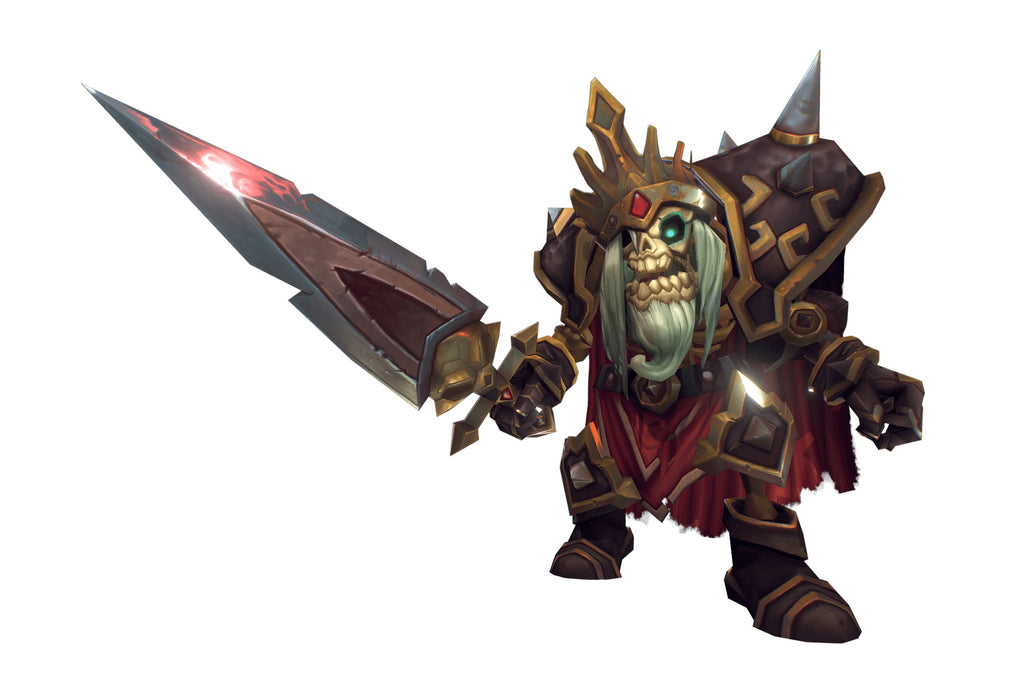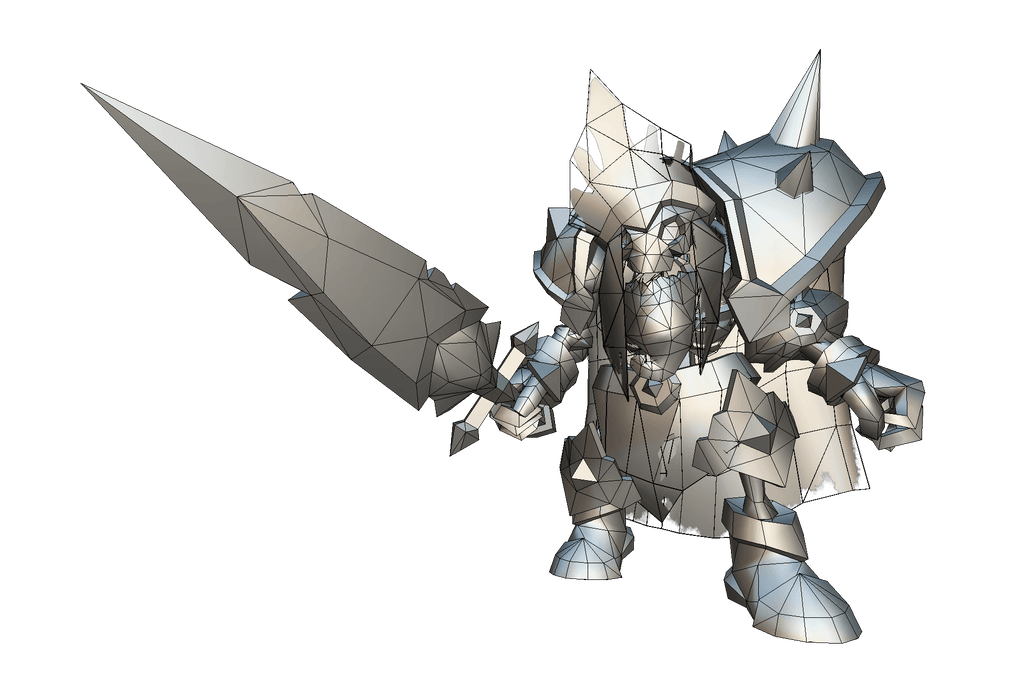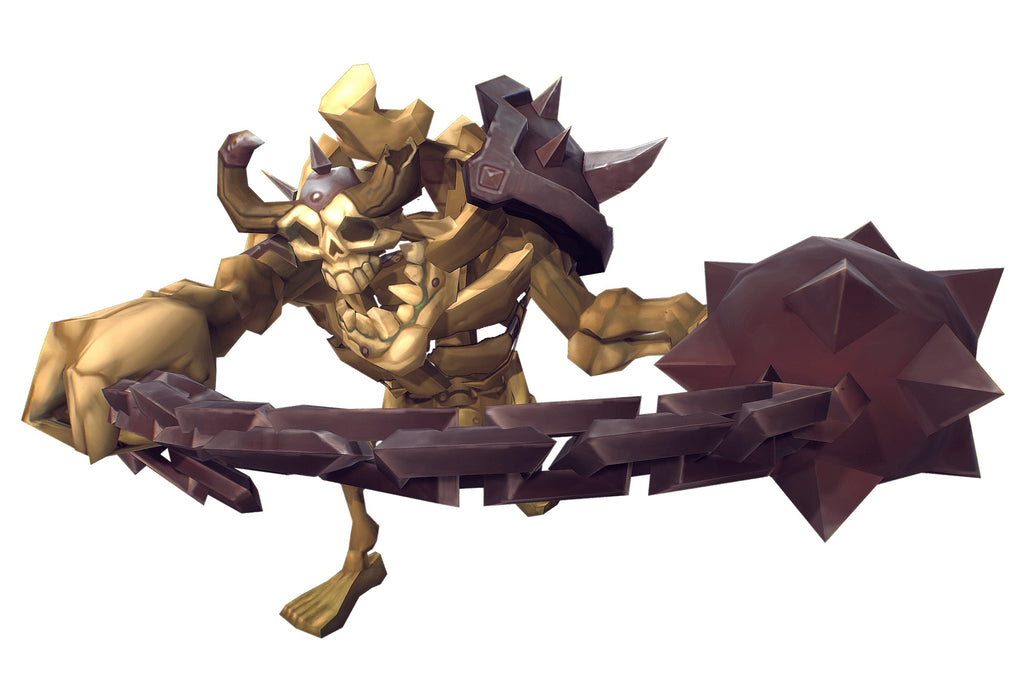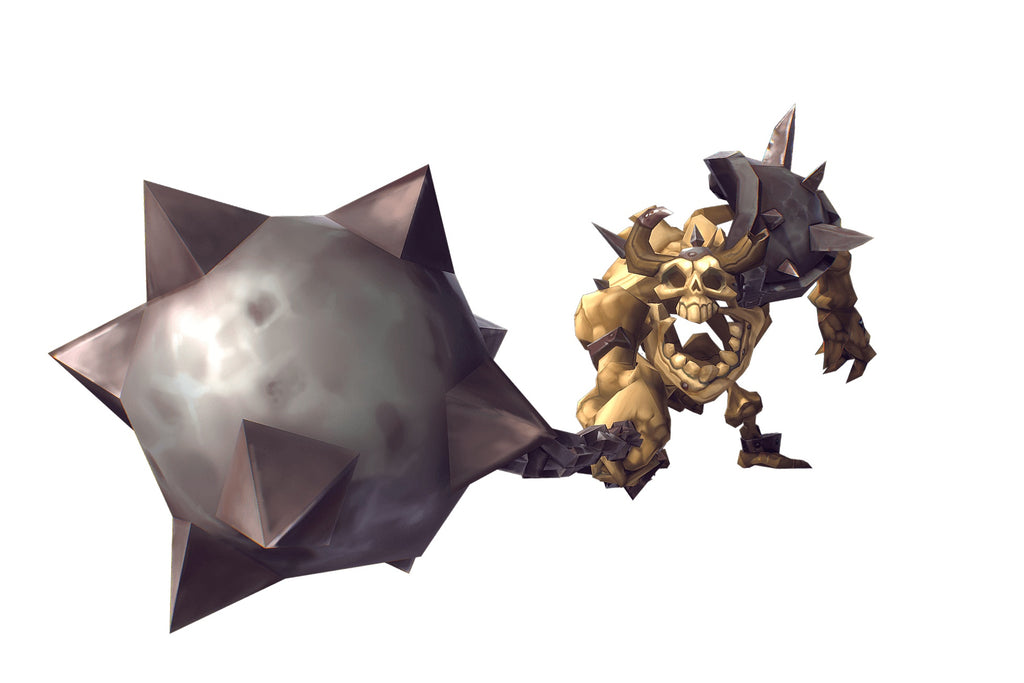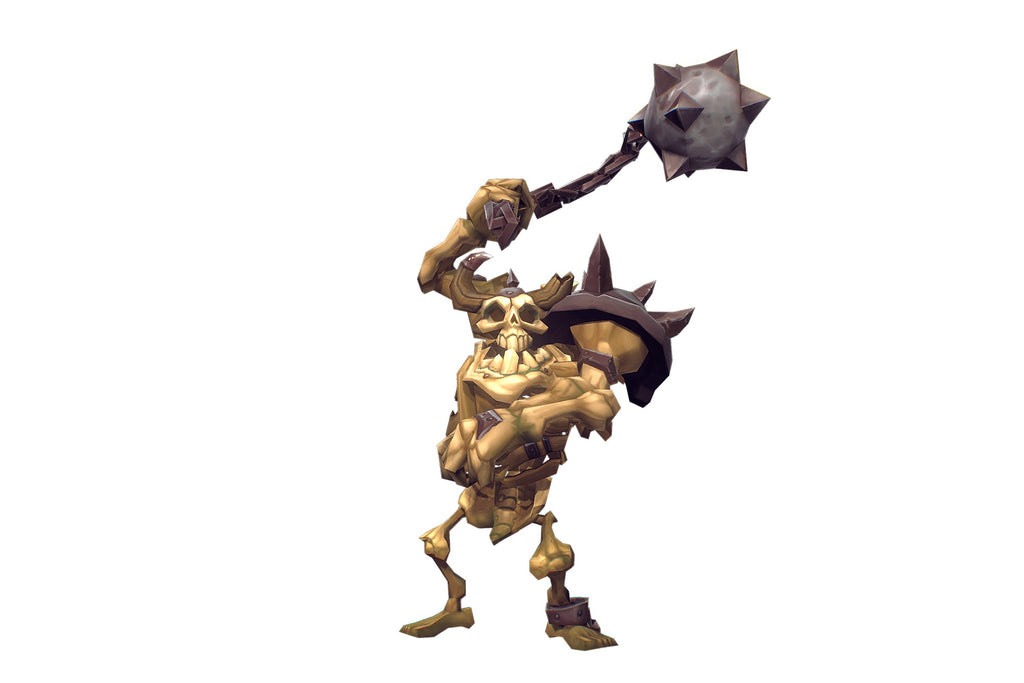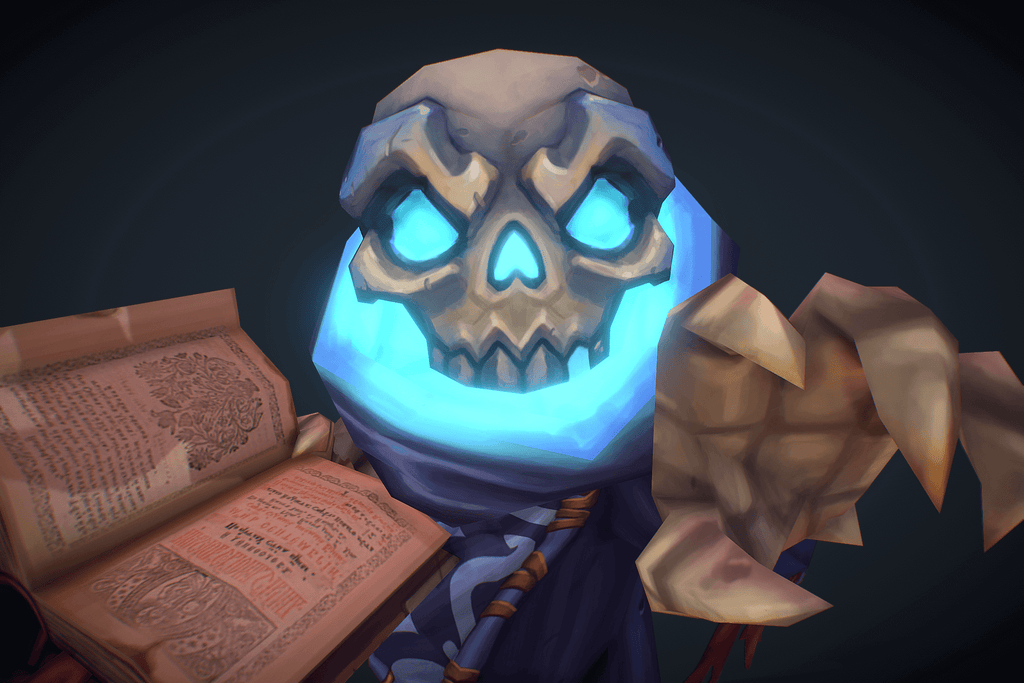
My name is Matthias and here I will showcase some of my work, projects I am working on in cooperation with other artists, WIP and previews of projects to come.
A lot of the content you will find here is available for download if you follow the links to
3DOcean
Unity 3d Asset Store
Shapeways
Loading Tweet...
Made a new presentation rendering for the set on the unity store :D.
Added a ton of new building blocks to the 3D pixel dungeon set like pillars, arches, stairs and more.
Just testing out a new 3D viewer for this “my little pony girl” figurine I designed a while back. This is a full color printable model. She can be found on Shapeways.
Click the image above for a 3d preview.
20+ low poly weapons that cut, slice, smash and bash. $7 off for our Tumblr friends when you enter the code pewpew
I finally got around to completing floor texture tile 11. They are a bit out of order now but better late then never :).
Is there any way you could tell me how you create 2d animated eyes in maya? Or whatever it is that you do for the eyes on your low-poly characters so that they can blink or make different expressions? I would like to learn how to do it, but can't find any tutorials. Sorry!
It’s actually quite simple :). All you need to do is select the UVs you want to move in the uv editor, hit “s” on the keyboard to set a key frame, then move the time slider, move the uvs to where you want them and hit “s” again to set another key frame. Now you have animated uvs. If you move UVs over multiple frames you will get a scrolling effect … could be used to animate pupils… If you change positions from one frame to the next you can change sets of eyes without the scrolling effect by just switching them out (depending on your playback settings of course). If it won’t let you set a key frame initially just try moving the UVs around a little before you set your first one. :)
Loading posts...